
Laptop Recycling in San Diego
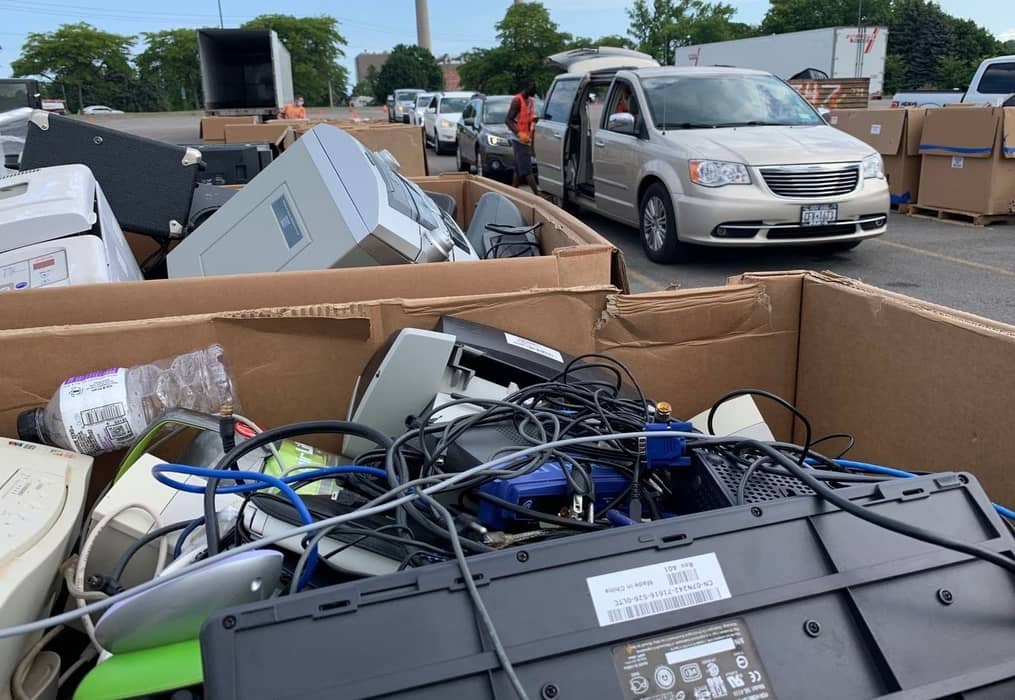
Dream Electronic Recycling offers a free laptop recycling service to residents, businesses, and schools across San Diego County. Bring in any laptop of any brand and any condition to one of our six drop-off locations at no charge, or schedule a free laptop recycling pickup service if you have a fleet to retire. Cracked screens, dead batteries, water damage, machines that won’t power on, all accepted, all free.
Laptops need handling that desktops don’t. We remove and separately process every lithium-ion battery, and we destroy solid state drives using a method suited to solid state media rather than the magnetic tools built for spinning drives. Certificates of Destruction are available on request, free for business accounts and for a small fee for residents.
Schedule Pickup for Laptop Recycling in San Diego
We are R2v3 certified, registered with CalRecycle as a collector (CEWID #127772). If you have any questions, call us at (619) 889-1305 or email us at [email protected].
Free Laptop Recycling Drop-Off Near You in San Diego
Dream Electronic Recycling is San Diego’s only R2v3 certified electronics recycling facility, offering e-waste drop off in San Diego residents and businesses can rely on. Every location accepts laptops free of charge with no appointment and no quantity limit.
Multiple Laptops? We also pick up laptops for free anywhere in San Diego County. So call us (619) 889-1305 or schedule a free pickup.
What San Diego Community Says About Us
Rated Excellent by 2000+ locals for fast, friendly, and completely free electronic recycling.
Carmen CurrySan Diego Fantastic, free e-waste recycling in central SD. Workers are always super friendly. Getting in & out of there is hard in a car though.
Edit: just dropped off something and was informed California now requires a small fee ($1-$10) to recycle items. $1 for anything over 3lbs (averaging about $3 for most items) $10 for the largest item: fridges. TVs are still free. Still a very small fee for recycling the items that shouldn’t/can’t go in the landfill. Love having Dream E-Waste local to me. Staff is always pleasant and helpful. Thanks again Dream!
J DSan Diego Friendly staff. Quick and easy.
J DMiramar Very friendly. Quick and easy. Thank you 👍
Sidney ShiromaMiramar Great customer service
Richard LancasterMiramar Electronic recycling was convenient and easy. The staff was very helpful. My garage which was full of dead batteries and light bulbs thanks Dream Electronic Recycling!
Elizabeth SieglerSan Diego Excellent service! So helpful and convenient, easy!!
Habeas CorpusSan Diego Awesome place
Brandon SawyerMiramar Fantastic! Super easy. Great service.
Justin ManorMiramar Just heard about this place and dropped off my old microwave so easy! Im bring all my ewaste here, you should too
Tim BoggsSan Diego Only good things to say about them. They were super friendly and helpful. Kudos to the staff. Only thing I had to pay for was for a big can of old batteries. It was $2 so I’m not mad at all. I’ll be coming back for sure.
Mascha SSan Diego Very friendly and easy
Rodney WilsonSan Diego So easy and reps are incredibly friendly
Iri VazSan Diego Helpful and super nice.
Kevin WeiserSan Diego Easy to drop off, friendly staff. Very convenient! Corey helped me out and was awesome.
4mrbigcbroChula Vista Drive in to drop off any electronics recycling equipment, workers there are very courteous and helpful people.
David WilkinsChula Vista Very friendly service
Michael FitzsimmonsChula Vista They took everything. Guys very helpful.
Michael FahourisChula Vista Great place to drop off all your gear today. They took my metal my TV my air conditioner and household batteries one stop does it all great place
Dave MartocchioChula Vista Very nice people. They take almost everything! Cory is the best.
Katie ChesterChula Vista Great customer service and so easy to drop items! Thank you!!
Sean BrewChula Vista Quick and east, fast and friendly
Jill BormannChula Vista This place is amazing! Extremely friendly employees, particularly Corey! And they take most anything, including our window, air conditioner, and an old microwave oven. You can drive real close by and people come out and help you unload. And it’s all free. Unbelievably easy. I highly recommend them.
Jordan AChula Vista Awesome service here! Shoutout to Corey
Ken & TammyNorth County Easy drop off location
rachel chrismanNorth County Super friendly place. Heads up they do not take lighters. Your batteries should be separated and they do not receive spray cans, Nice and friendly service
Pay WayNorth County Dropped off a 20 inch CRT. The attendant was friendly and took the crt from the back of my car. Very helpful!! Easy stop and go drop off. Highly recommend.
Also he did not charge me. Hope that’s ok.
Libby PattersonNorth County made an errand i was avoiding for weeks super quick and easy 🙂
Yvonne DiazNorth County Easy to find
Patricia ConnerNorth County We had a lot of stuff we didn’t/couldn’t use. We drove into a business lot with warehouse style buildings. This particular business was in the back corner. A guy came out and took everything we had in the trunk. He was polite and asked if we wanted to get rid of a certain item. We said yes. We have no use for it. Instead of just assuming everything in the trunk was being recycled. The only thing he couldn’t take were some lights. Which was fine. He was able to take everything else.
Randy BlackburnNorth County They made it very quick and easy. I had a lot of old family videos that needed recycled. I pulled up and the gentleman took what I had and I was out the door within three minutes.
Sam HoffmanNorth County Great service and easy to use. Brought in my broke. Flat screen TV to their location and they took it for free. No charge to me. I really appreciate this great service.
Andrew SchwartzNorth County I dropped off a microwave today. Fast, and easy - with great service from the friendly staff. For recycling they're the way to go.
Eva SellenMiramar This place takes almost all kinds of recycling (including lightbulbs and small appliances). You just drive in and hand over your items! Staff is super helpful and attentive. Our go-to e recycling spot !
A SMiramar This place is the best! Great service, always smiling and friendly faces, they help me get stuff out of my car. They make the whole process smooth and easy. Great company!
Bo WangMiramar Easy drop off
Jeffrey RubensMiramar It was super easy to drop my electronics off at Dream Electronic Recycling. No appointment necessary. I just drove up and Corey came and met me to take my old electronics. He was incredibly nice and helpful and I was out of there in 3 minutes.
Larissa PalmeriKearny Mesa This was the easiest way to get rid of my TV and old microwave. Definitely coming back again!
Chris O'NeillKearny Mesa Easy drop off. Thanks!
Thong LeKearny Mesa Corey was awesome!
Nytasja SandersKearny Mesa Pretty easy drop off. You check in at the Associated Storage Building. I was able to recycle my old portable air conditioner. The staff lady was nice.
Nhi Katrina DinhKearny Mesa They were so nice when taking my microwave and air fryer 15 minutes before they close. The worker, Cory, helped me carry it out of my trunk and was to answer my questions about the recycling center. Overall, a good and speedy experience.
Michael HelsonKearny Mesa Easy
Jessica FielderKearny Mesa Friendly fast service
Ashlee O'GradyKearny Mesa Drop off was very easy and Corey was a huge help!
Julia GloriosoKearny Mesa Very convenient place to drop off your e waste. Corey was very helpful!
Kaaran McCrackenOceanside Quick and easy to recycle our household electronics. Friendly service and everything ran just like a dream!
Michael BOceanside Check in at the storage unit office - the actual drop off is a storage unit inside the gates. Super easy drop off
patrick martinsonOceanside There needs to be more people and places like that for us to get rid of the overwhelming amount of electronics that goes through a single community
Monica George-HallingOceanside Great service!
Sasha NikolichOceanside Easy and friendly drop off 🙂
Robert SPOceanside Great experience! Will use this again.
Devon HollandOceanside Quick and very helpful crew.
Kelly HamiltonOceanside Cory made everything so easy
Christine GOceanside EXCELLENT customer service, quick and attentive!! Thank you again Corey!! Greeted with a smile 🙂 😃


Laptops and Equipment We Accept
We accept laptops from virtually every major manufacturer in almost any condition. If you're unsure whether a particular model or accessory qualifies, call before bringing it in.
Windows Laptops and Chromebooks
Dell, HP, Lenovo, ThinkPad, Microsoft Surface, ASUS, Acer, MSI, Samsung, Razer, Toshiba, Sony, Panasonic Toughbook and others, including business laptops, consumer notebooks, gaming laptops, rugged systems, and Chromebooks.
For school and district fleets, deprovision Chromebooks from your Google Admin console before collection where possible.
MacBooks and Apple Laptops
MacBook Air, MacBook Pro, older MacBook models, and legacy Apple portables.
Before bringing a MacBook in, sign out of your Apple Account, turn off Find My, and remove Activation Lock. A device still locked to its previous owner can't be reset by anyone, so it has to be recycled for materials rather than refurbished.
Working and Non-Working Laptops
Condition doesn't change the price, because we accept laptops with:
Batteries, Chargers and Accessories
Chargers, power adapters, docking stations, external drives, spare batteries, and other computer peripherals, with or without the laptop.
However, loose batteries that are damaged or swollen are the one exception. See the battery section below.
Other Electronics
Have more than laptops to clear? We also accept tablets, monitors, phones, gaming devices, networking equipment, printers, and computer peripherals. Bring them together, or ask about pickup for larger quantities.
Laptop Battery Recycling and Disposal
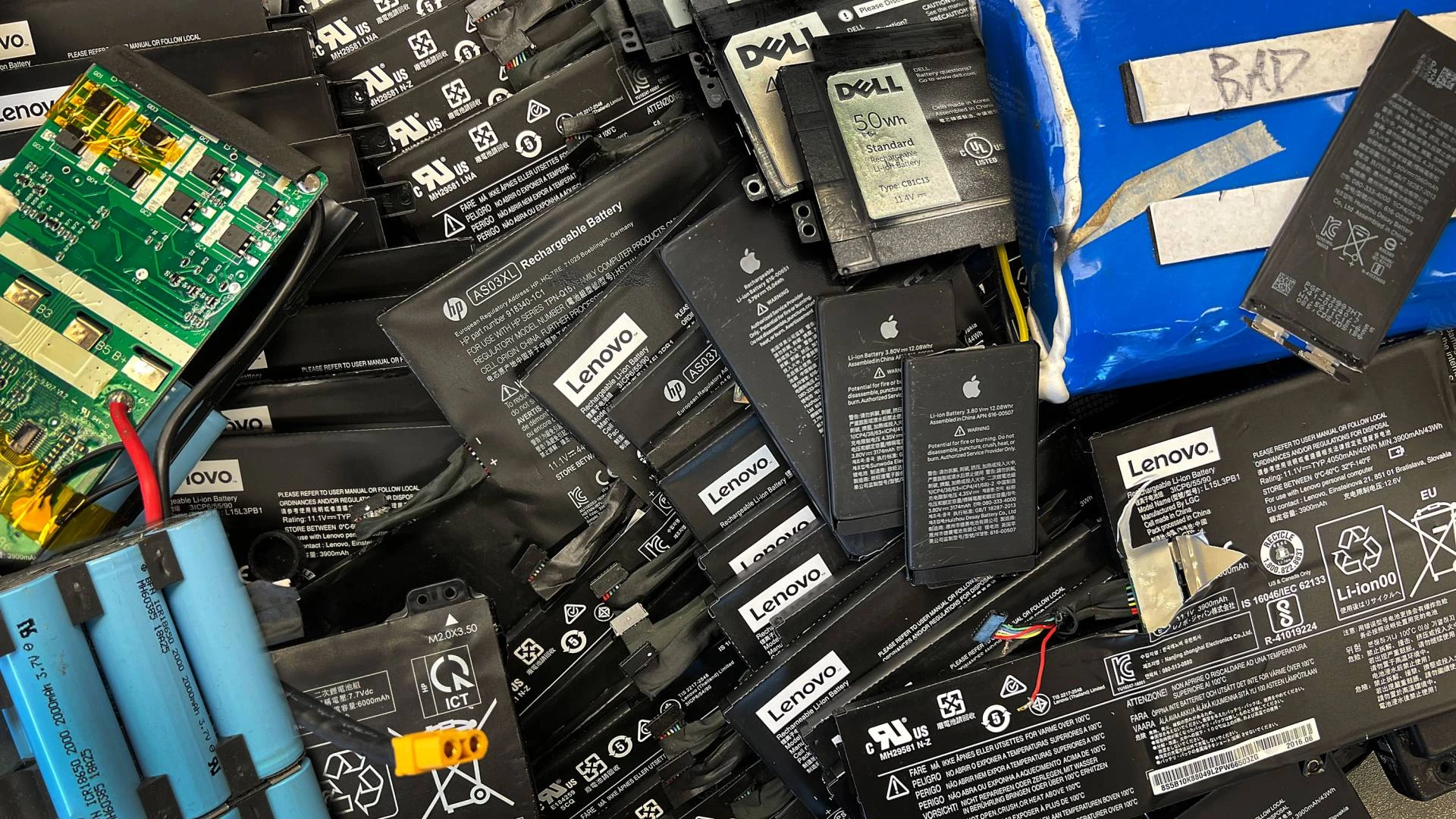
Laptop batteries need separate handling, because lithium-ion cells become a fire hazard if they're punctured, crushed, short-circuited, or otherwise damaged. Never put a laptop or a loose laptop battery in a household recycling bin or the trash.
Leave it in
Built-In Laptop Batteries
Most modern laptops have the battery sealed inside the chassis, so leave it there. Don't try to pry out a built-in lithium-ion cell yourself, because puncturing it creates a serious fire risk and gains you nothing.
Bring the laptop in intact, since our team removes every battery under controlled conditions before the equipment enters any mechanical processing.
Accepted
Removable Laptop Batteries
If your laptop has a removable battery, leave it installed and we'll handle it as part of the recycling process.
For a loose battery in good condition, keep it away from metal objects and don't open, puncture, crush, or disassemble it. Then bring it in with the laptop or on its own.
Call first
Swollen or Damaged Batteries
A swollen battery means the cell has failed. For example, signs include a raised trackpad, a bulging case, a laptop that no longer sits flat, or visible deformation.
Still inside the laptop? Then bring the whole machine to us and we will handle it. However, a loose swollen, punctured, or leaking battery is the one thing we can't take. Instead, those go to the City of San Diego's Miramar Recycling Center, which accepts them by appointment booked through the city's website. Either way, don't put it in any bin. Have other batteries to clear out, like AA cells, power tool packs, or UPS backups? See our battery recycling service for what we take and what it costs.
Items We Cannot Accept
We take virtually all laptop & computer equipment. However, a few things that turn up alongside it need a different handler.
Prohibited Items
- Loose batteries that are damaged, swollen, punctured, or leaking. A battery still inside the laptop is fine and needs no special handling.
- Loose toner and ink powder outside its cartridge. However, sealed cartridges are fine.
A battery still installed inside a laptop is fine and needs no special handling.
Accepted for a Small Fee
A few things that turn up in the same drawer as old laptops carry a handling fee at our Point Loma, Chula Vista and San Marcos recycling centers, since our downstream processors charge us for them:
- Ink and toner cartridges
- Coax and fiber optic cable
- CDs, DVDs and VHS tapes
Our Miramar, Kearny Mesa and Oceanside locations take electronics only, so bring fee items to a recycling center instead. Send photos and details to [email protected] before you load up. Not sure about something else? Call (619) 889-1305 before you load the car.
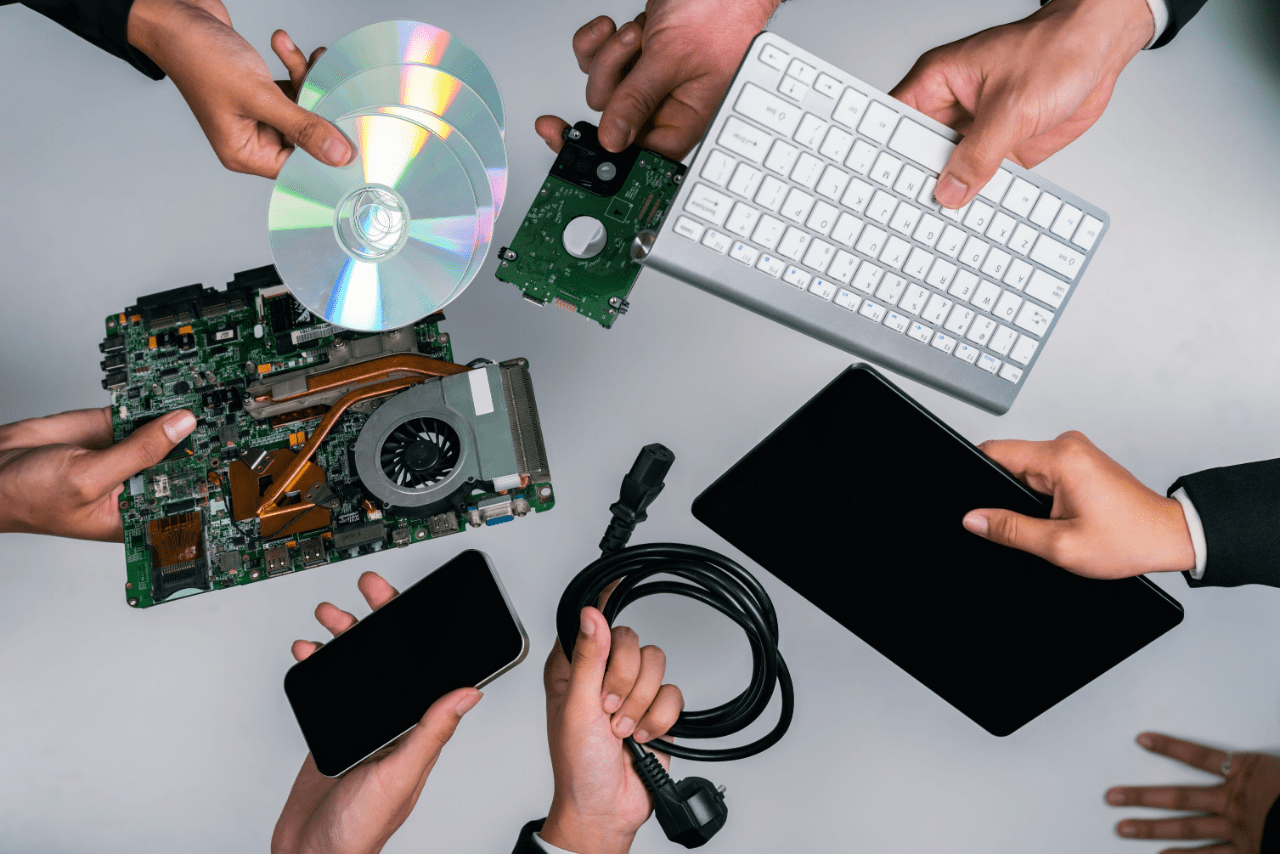
Our Complete Laptop Recycling Solutions
From a single laptop to a full business refresh, we offer free recycling, secure data destruction, pickup, and responsible reuse options throughout San Diego County.
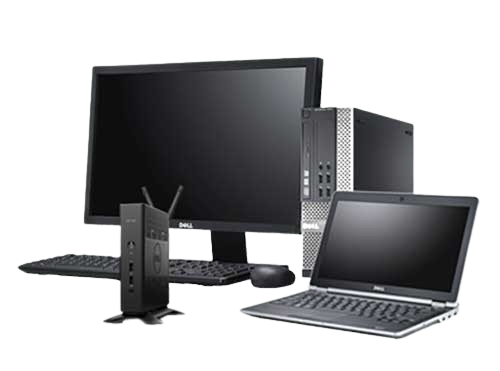
Free Laptop Recycling for Residents
Every San Diego County resident can recycle laptops with us free of charge. Also, there's no fee, no quantity minimum, no proof of residency and no appointment. Bring the charger if you still have it and we will recycle that too, but it isn't required.
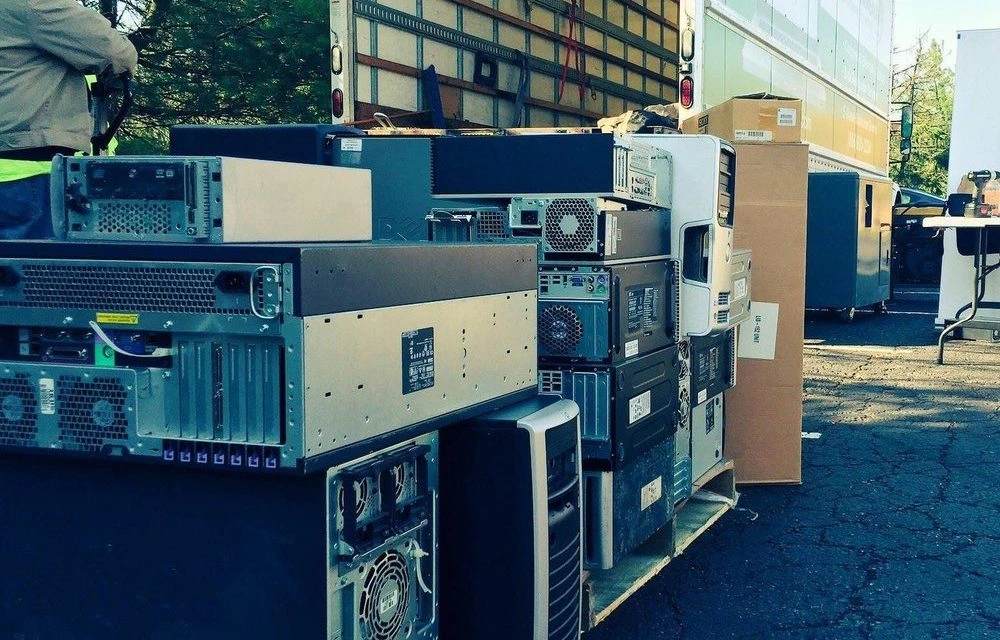
Laptop Recycling Drop-Off
Six locations across San Diego County, open six days a week and seven in Oceanside. Just walk in, hand it over, and then ask at the counter for a recycling receipt. So most laptop drop-offs take under two minutes.
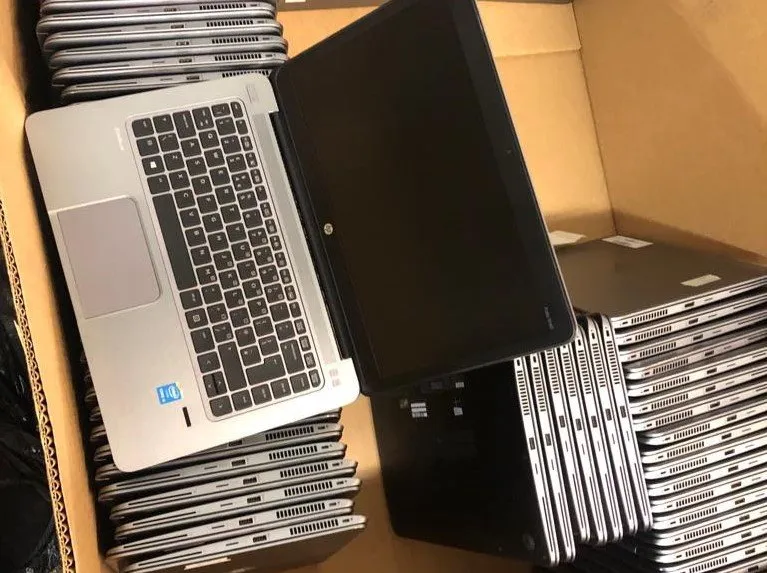
Free Laptop Recycling Pick Up Service
We collect laptops for free from offices, schools, apartment buildings and homes throughout San Diego County if you have five or more computing devices. Our crew also handles the boxing and loading.
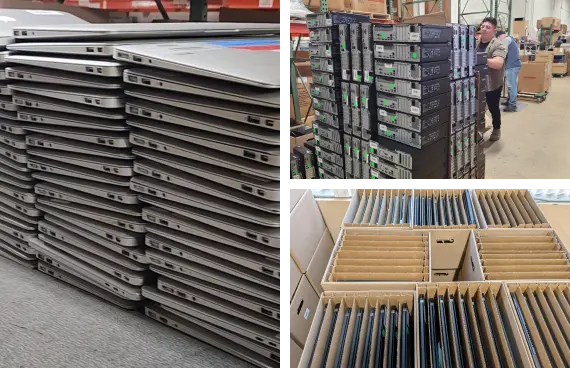
Business Laptop Recycling
Fleet refreshes, lease returns, remote-work returns and office closures all leave stacks of laptops that need documented disposal. So we provide scheduled pickups, serial-number inventory reporting on request, and on-site drive destruction.
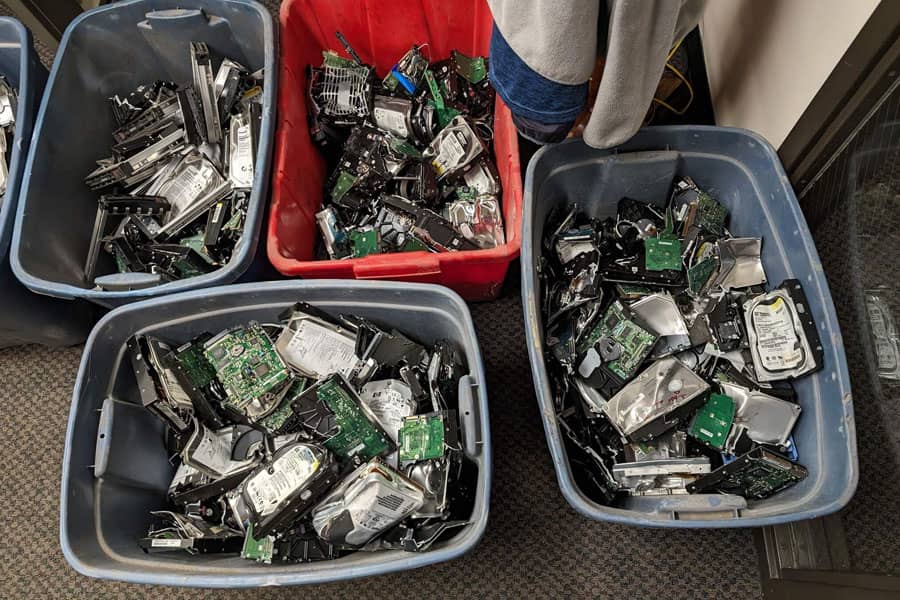
Secure Laptop Data Destruction
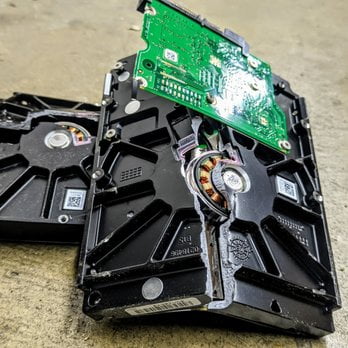
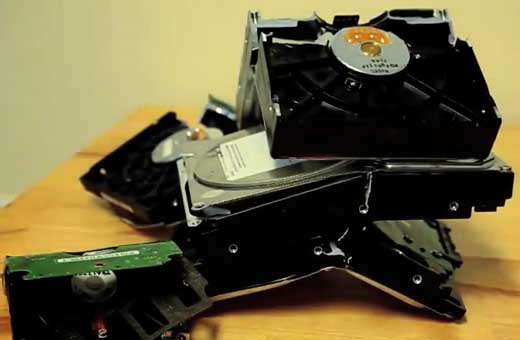
Every laptop is treated as though its drive is still full. Storage is removed and physically destroyed, or cryptographically erased and verified when the machine is being reused.
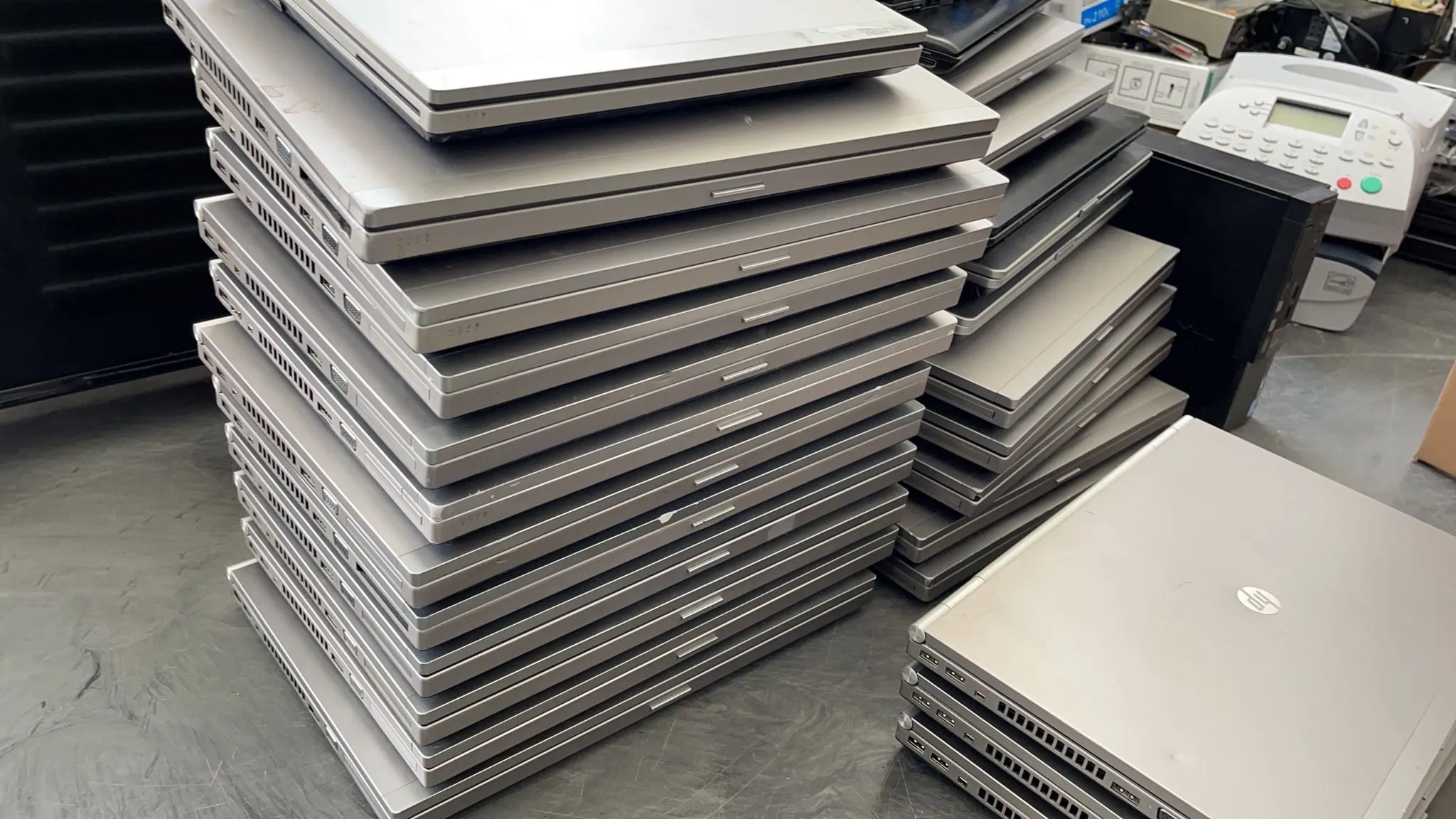
Laptop Liquidation
Recent laptops retain real resale value. Rather than destroy a recoverable asset, we assess, sanitize and remarket them, returning a share of the proceeds.
Is My Personal Data Safe When Recycling a Laptop?
Yes. Instead of removing the drive or destroying it yourself, leave that to us. We treat every laptop as though its storage is still full, because most of the time it is.
Why Deleting Files and Factory Resets Aren't Always Enough
Deleting files or performing a factory reset doesn't always remove the underlying data. Modern encrypted devices can be securely reset, but older or unencrypted drives may still contain recoverable information. So we handle data destruction for you.
How We Destroy Laptop Data
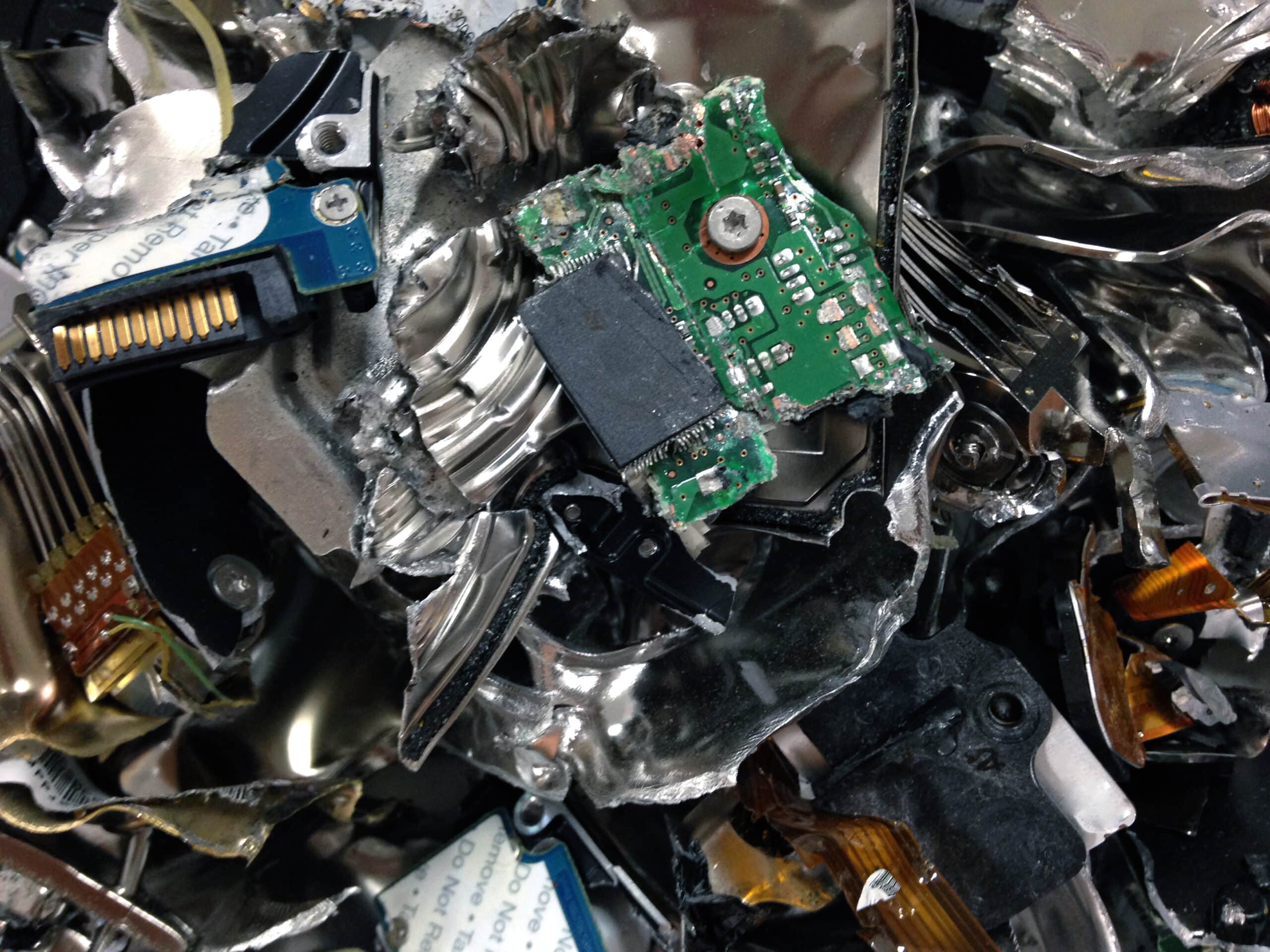
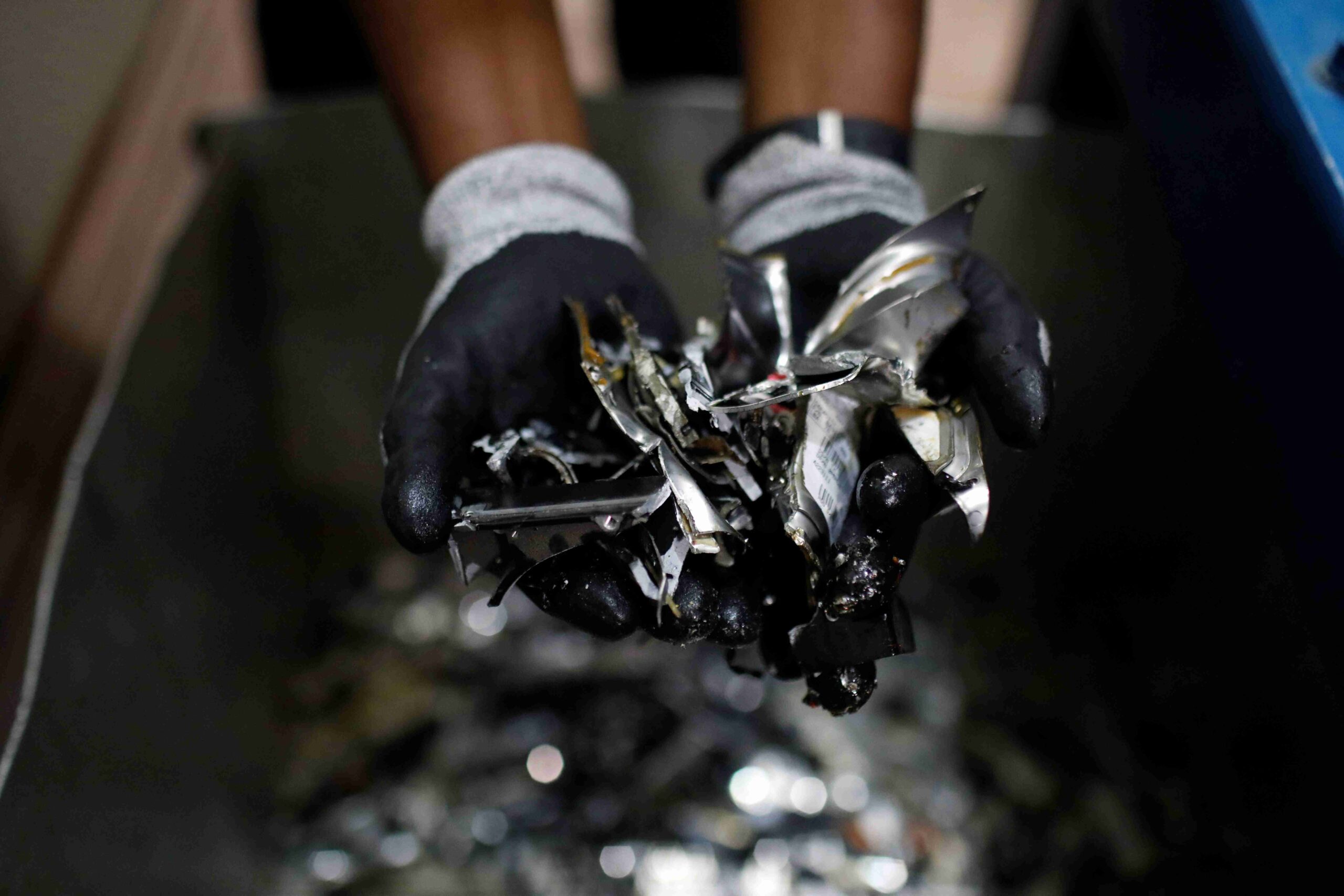
The method depends on the storage type. We physically destroy hard drives and SSDs when needed, while we securely sanitize reusable devices. Soldered storage may also require destruction of the motherboard.
When We Reuse Instead of Destroy
Working laptops may also have value beyond recycling. When equipment is suitable for reuse, we securely sanitize the storage using methods aligned with NIST SP 800-88 Rev. 1 before the device is remarketed or reused.
Certificates & On-Site Destruction
Certificates of Destruction document what was destroyed and when. They're free for business accounts and available to residents for a small fee. We also offer on-site drive destruction when data must stay at your facility.
What to Do Before Recycling Your Laptop
None of this is required. We will take the laptop either way. But five minutes here means your data is handled cleanly and the machine has a better chance of being reused instead of shredded.
Back Up Important Files
Copy anything you want to keep to an external drive or cloud storage. Check the obvious places and also the ones people forget: Documents and Desktop, Downloads, photo libraries, browser bookmarks and saved passwords, locally stored email archives, and project files sitting outside your main folders. That matters because once we destroy the drive, nothing is recoverable.
If the laptop screen is broken and won’t power on, you can’t reset it, bring it in and tell us. For any device where the data matters more, our hard drive destruction service covers storage media specifically. You can call us at (619) 889-1305 or email us at [email protected] for more information.
Sign Out of Accounts
Sign out of your Microsoft or Apple account, browsers, email clients, cloud storage, VPNs and password managers. Then deauthorize the machine in any software licensed per device. Adobe, Microsoft Office and Apple Music all count that laptop against your seat limit until you do.
Turn Off Find My, Activation Lock and Device Locks
On a MacBook, sign out of iCloud and switch off Find My Mac. For a Windows laptop, remove the device from your Microsoft account and also clear any BIOS or supervisor password. With a Chromebook, deprovision it from the Google Admin console if it was ever enterprise-enrolled.
A laptop left locked to a previous owner can’t be reset by anyone, which means it can’t be refurbished and has to be recycled for materials instead. It costs you nothing either way, but unlocking it is the difference between the machine getting a second life and getting shredded.
Remove Accessories and Check the Device
Take out SD cards, USB drives and optical discs. Then check the ports and the sleeve for anything you left behind. Chargers, docks and spare batteries are welcome, so bring them along and we will recycle those too.
How Our Free Laptop Recycling Process Works
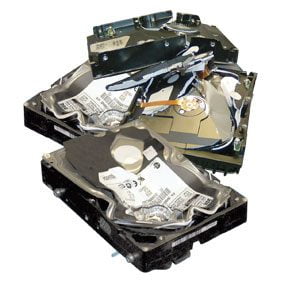
Our free laptop recycling process makes it easy to get rid of old laptops of any brand or condition safely, from drop-off to responsible downstream processing. It's secure at every step and also simple for you:
Should You Recycle, Sell, or Donate Your Old Laptop?
Not every old laptop needs to be recycled. The right option depends on its condition, resale value, and whether it still has useful life.
Sell It
If the laptop is relatively recent, works reliably, and has a good battery and screen, selling it may give you more value than recycling. Securely erase your data first, and on a MacBook, sign out of iCloud and turn off Find My.
Donate It
If it still works but has limited resale value, consider donating it to a school, nonprofit, or refurbishment program. Check their requirements first, as some organizations only accept certain models, specifications, or working conditions.
Recycle It
Recycle laptops that are broken, outdated, damaged, or no longer worth repairing. In that case, we securely handle the data and recycle the device through our R2v3-certified process, keeping electronics and recoverable materials out of landfills.
Businesses Have More Options
For businesses, large laptop fleets can have significant residual value. Our laptop liquidation service can assess equipment for resale while providing data destruction and asset documentation for the remaining devices.
Why Choose Dream Electronic Recycling?
Choosing a laptop recycler is about more than finding somewhere to leave an old computer or desktop for recycling. You want to know the equipment is handled responsibly, that data-bearing devices are actually destroyed, and that the process is documented if anyone asks.
- R2v3 certified. Independently audited against the international standard for responsible electronics reuse and recycling.
- CalRecycle-registered collector, CEWID #127772. State-approved to handle covered electronic devices in California.
- Genuinely free. No drop-off fee, no quantity minimum, no charge for broken machines.
- Six San Diego County locations plus free countywide pickup for five or more devices.
- Battery handling built into the process. Every lithium-ion cell is removed under controlled conditions before mechanical processing, which is the part most general recyclers get wrong.
- Storage destroyed by default, with the method matched to the media rather than a single approach applied to everything.
- Documentation when you need it. Certificates of Destruction and recycling reports for business and organizational accounts.
- Reuse considered first. Equipment with life left is tested, sanitized and refurbished rather than shredded, which is a better environmental outcome than recycling because it avoids manufacturing a replacement.
- Liquidation for fleets with value left, so you recover something instead of writing off a recoverable asset.
- Locally owned, operating since 2015. Not a franchise call center routing you to a third party.
Whether you have one broken laptop at home or an entire business fleet to retire, we can work out the right recycling, reuse or destruction path.
Who Can Use Our Laptop Recycling Services
From one dead laptop in a drawer to an entire company fleet, it's free either way.

Residents and Homeowners
An old window or ios laptop working or dead, cracked or water-damaged, one machine or twenty. Either way, drop-off is free at all six locations and takes about two minutes.

Businesses and Offices
Office closures, lease returns, and remote-work equipment. Free pickup for five or more devices, inventory reporting by serial number, as well as drive destruction documented end to end.
Students and organizations
Districts retiring Chromebook carts or student laptop programs, plus universities, churches, and nonprofits. We also meet procurement and asset-disposal requirements.
Laptop Reuse, Liquidation and Secure Data Destruction
Not every retired laptop belongs in a shredder. In fact, an older business laptop may carry significant resale value, so destroying it writes off an asset you could have recovered against.
For business fleets, we assess retired laptops for remarketing value, sanitize what qualifies to a verified standard, and return a share of the resale proceeds to you. Everything without value goes into the recycling stream at no cost. You get one vendor, one chain of custody, and one set of documentation covering both outcomes.
This is the right path if you’re running:
- A fleet refresh
- An office closure
- A lease return
- A remote-work equipment recall
- An annual IT asset replacement cycle
For organizations that require destruction before equipment leaves the premises, on-site data destruction is available.
Laptop Recycling Service Areas We Cover Throughout San Diego
We accept laptops free of charge at all six locations and pick up anywhere in San Diego County for five or more devices. So pick a region or search for your neighbourhood.
Local Recycling Locations
Find Laptop Recycling Near You
Need a convenient option?
Don't see your area listed?
We provide laptop recycling and free pickup throughout San Diego County.
What Is Laptop Recycling?
Laptop recycling is the process of collecting an unwanted laptop, assessing whether it can be reused, securely handling any data it holds, removing its battery, and separating the remaining components so their materials can be recovered instead of landfilled.
Laptops are harder to process than most electronics. Components are packed tightly, and the lithium-ion battery has to come out before anything mechanical happens to the chassis. That’s why a laptop should never go in a curbside recycling bin: the battery creates a genuine fire risk in conventional sorting facilities.
What’s inside is worth recovering. Aluminum, copper, precious metals from the circuit boards, and plastics all return to manufacturing when the machine is dismantled properly.
In California, laptops are regulated as electronic waste and managed as universal waste. They cannot legally go in household trash or a commercial dumpster.